Best VPN for torrenting
A practical guide to choosing and using the best vpn for torrenting, with safety, privacy, and speed tips.
Torrenting can be risky if you go without a VPN. The best vpn for torrenting balances privacy, speed, and legality, letting you download with less worry about prying eyes, throttling, or accidental exposure. In this guide, you’ll learn what to look for, how to compare services, and practical steps to stay safe while torrenting.

Why you need a VPN for torrenting
When you torrent without a VPN, your IP address is visible to peers in the swarm. This can expose you to:
- Tracking by copyright trolls or ISPs that throttle or monitor P2P traffic
- Potential legal notices, depending on your country and the content being shared
- Increased risk of malware or fake torrents if you’re not careful
A VPN helps by encrypting your traffic and masking your real IP. It creates a tunnel to a remote server, so peers see the VPN server’s IP instead of yours. For torrenting, you want a provider that prioritizes privacy, supports P2P on many servers, and doesn’t log your activity.
What to look for in the best VPN for torrenting
Not all VPNs are equal when it comes to P2P use. Here are the most important criteria:
- No-logs policy: The VPN should have a verifiable commitment not to store connection or activity logs. This is essential for privacy.
- P2P support and optimized servers: Some VPNs explicitly allow torrenting and offer servers optimized for P2P with high speeds and stable connections.
- Strong encryption and privacy features: Look for AES-256 encryption, secure protocols (WireGuard or OpenVPN), and a kill switch to protect you if the VPN drops.
- Leak protection: DNS and IPv6 leak protection prevent your real IP from leaking if the VPN disconnects.
- Speed and bandwidth: Torrenting requires substantial bandwidth. Choose VPNs with fast speeds, unlimited bandwidth, and good performance across servers.
- Jurisdiction: A VPN headquartered in a privacy-friendly country with strong data retention laws is preferable. Some prefer no-logs promises backed by independent audits.
- Ease of use and client features: A user-friendly app, split tunneling for selecting which apps use the VPN, and convenient kill switch can improve the torrenting experience.
- Security extras: Obfuscated servers, which help hide VPN usage in restricted networks, and malware protection can be beneficial.
- Price and value: Compare plans, coupons, and whether the service offers a money-back guarantee so you can test torrenting compatibility risk-free.
How to choose servers for torrenting
Picking the right servers matters for speed and reliability: Best VPN for streaming
- Prioritize proximity: Use servers that are geographically closer to you for lower latency and higher speeds.
- Check P2P availability: Some providers restrict P2P to specific servers. Ensure the server you plan to use supports torrenting.
- Avoid overloaded servers: If a server is crowded, speeds drop. Look for servers with low current load where possible.
- Consider obfuscated or stealth servers: If you’re on networks that throttle or block VPNs, obfuscated servers can help mask VPN traffic.
Security and privacy best practices for torrenting
Even with a VPN, follow these practices to stay safer:
- Use reputable torrent clients: Stick to well-known, trusted clients and avoid shady add-ons.
- Verify torrent integrity: Check hashes or use reputable trackers to reduce the risk of malware.
- Enable the VPN kill switch: This prevents IP leaks if the VPN momentarily drops.
- Use a separate account or sandbox: Avoid using your primary login credentials or personal information in torrents when possible.
- Update software: Keep your OS, VPN app, and torrent client up to date with security patches.
- Be mindful of copyright laws: Torrenting copyrighted content can expose you to legal risk. Consider legal alternatives when possible.
A practical comparison: top VPNs for torrenting (at-a-glance)
Here is a quick look at some strong options for P2P activity. Consider your location, price, and features when choosing.
| VPN | P2P policy | Commonly recommended servers | Notable strengths | Typical deal notes |
|---|---|---|---|---|
| NordVPN | Explicitly supports P2P | Large network with many P2P-optimized servers | Strong privacy, consistent speeds, robust security | Often has sales; audits available |
| ExpressVPN | P2P allowed on most servers | Wide global presence | Very fast, reliable, easy to use | Higher price point; 30-day guarantee |
| Mullvad | P2P allowed on most servers | Privacy-focused approach, accepts cash | Very strong privacy, minimal data retention | Simple pricing, strong anonymity |
| CyberGhost | P2P labeled on servers | User-friendly, good for beginners | Large server list, straightforward | Includes long money-back window |
| Surfshark | P2P allowed on many servers | Unlimited devices, good value | Affordable, solid speeds, clean apps | Often bundled with promotions; audits in progress |
| Proton VPN | P2P on certain servers | Privacy-centric, transparent | Strong encryption, transparent operations | Free plan limited; audits and transparency records |
Notes:
- Always verify current P2P policy on the provider’s site. Policies can change.
- Server performance varies by region and time. Test a few servers to find your best speed.
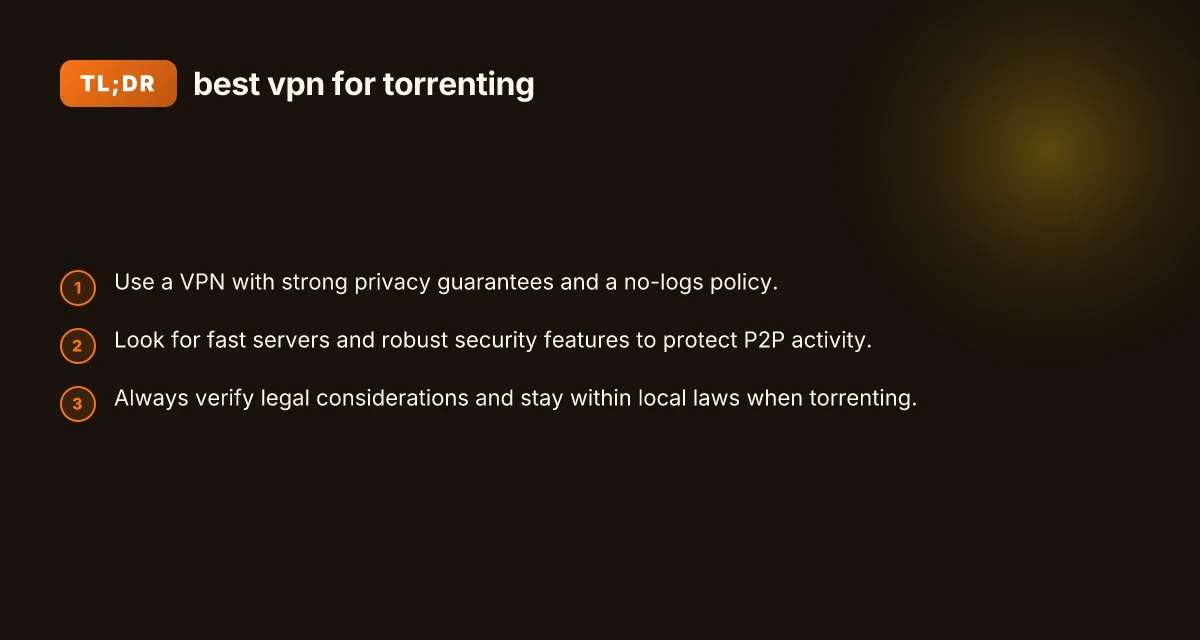
How to set up a torrent-friendly VPN in a few steps
- Choose a VPN with strong no-logs promises and P2P support.
- Install the VPN app on your device(s).
- Log in and connect to a P2P-friendly server, preferably near your location for speed.
- Enable the kill switch and DNS leak protection.
- Open your torrent client and start downloading from trusted sources with verified hashes.
- Monitor speeds and switch servers if you encounter throttling or slow performance.
- Regularly update your VPN and torrent client to keep defenses current.
Common pitfalls to avoid
- Using free VPNs for torrenting: Free services often monetize data, have weak privacy, slower speeds, and limited P2P support.
- Relying on VPN only for anonymity: A VPN improves privacy but isn’t a license to engage in illegal activity. Respect local laws and terms of service.
- Ignoring leaks: A VPN without a reliable kill switch or leak protection can reveal your IP during disconnects.
- Connecting to a non-P2P server: If you’re torrenting, ensure you’re on a server that supports P2P traffic to avoid connection issues.
Final section: recommendation
If you want a reliable, privacy-forward, and user-friendly option for torrenting, NordVPN and Mullvad stand out for many users due to their no-logs commitments and robust P2P support. NordVPN offers a broad server base, strong security features, and consistent performance, making it a safe default for most torrenting needs. Mullvad prioritizes privacy and minimal data collection, which can appeal to users who want a more anonymous feel and straightforward billing. ExpressVPN and Surfshark also provide strong performance and easy setup, with broader reach and aggressive pricing during promotions. Best VPN for PC
Before choosing, consider:
- Your typical location and the servers that perform best near you
- Whether you value additional features like obfuscated servers or malware protection
- How much you’re willing to pay and whether a trial or money-back guarantee matters
Bottom line: The best vpn for torrenting isn’t just about the fastest speeds. It’s about reliable P2P support, strong privacy protections, leak prevention, and a solid stance against logging. With those fundamentals, you can torrent with greater peace of mind while keeping your online activities private and secure.
| VPN | Obfuscation | From / month | Plan | Free plan | Refund | Alipay | UnionPay | Crypto | Website opens in China | Trustpilot | |
|---|---|---|---|---|---|---|---|---|---|---|---|
 NordVPN | Turn on manually Obfuscated Servers / NordWhisper | $3.49/mo | 27 months: $94.23 | No | 30 days | ? | ✗ | ✓ | ✓ | ✗ Blocked | 4.2/5 (51,628 reviews) |
 ExpressVPN | ✓ On by default all servers | $3.00/mo | 28 months: $84 | No | 30 days | ✗ | ✗ | ✓ | ✗ | ✗ Blocked | 4.4/5 (29,706 reviews) |
 Mullvad | Turn on manually QUIC / Shadowsocks / LWO | $5.61/mo | €5/mo | No | 14 days | ✗ | ✗ | ✗ | ✓ | ✗ Blocked | 3.2/5 (192 reviews) |
 CyberGhost | Turn on manually selected servers | $2.19/mo | 28 months: $61.32 | No | 45 days | ✗ | ✗ | ✗ | ✓ | ✗ Blocked | 4.0/5 (24,178 reviews) |
 Surfshark | ✓ On by default Camouflage, with OpenVPN | See site | See site | No | 30 days | ✗ | ✗ | ✗ | ✓ | ✗ Blocked | 4.3/5 (31,823 reviews) |
 Proton VPN | Turn on manually Stealth, free plan too | $2.99/mo | 12 months: $35.88 | Yes | 30 days | ✗ | ✗ | ✗ | ✓ | ✗ Blocked | 2.1/5 (1,040 reviews) |
 ZoogVPN | Turn on manually Shadow | $2.49/mo | 27 months: $59.99 | Yes | 7 days | ✓ | ✓ | ✓ | ✓ | Official site blocked; our special link opens (4.4 s) | 4.2/5 (195 reviews) |
 Astrill VPN | Turn on manually StealthVPN / OpenWeb | $12.50/mo | 24 months: $300 | No | See site | ✗ | ✗ | ✗ | ✓ | ✗ Blocked | 1.3/5 (110 reviews) |
 Private Internet Access | Turn on manually Shadowsocks, OpenVPN only | $2.03/mo | 40 months: $81.2 | No | 30 days | ✗ | ✗ | ✗ | ✗ | ✗ Blocked | 4.2/5 (11,033 reviews) |
 PureVPN | Turn on manually switch to OpenVPN | $1.69/mo | 60 months: $101.55 | No | 31 days | ? | ? | ✗ | ✓ | ✗ Blocked | 4.4/5 (17,994 reviews) |
 AdGuard VPN | ✓ On by default TrustTunnel | $2.99/mo | 24 months: $71.76 | Yes | 30 days | ✓ | ✗ | ✓ | ✓ | Official site blocked; our special link opens (3.7 s) | 4.3/5 (290 reviews) |
 Windscribe | Turn on manually Stealth / WStunnel | $5.75/mo | 12 months: $69 | Yes | See site | ✗ | ✗ | ✗ | ✓ | ✗ Blocked | 4.7/5 (13,355 reviews) |
 StrongVPN | Turn on manually Scramble, OpenVPN TCP | See site | See site | No | 30 days | ✓ | ✗ | ✗ | ✗ | ✗ Blocked | 4.4/5 (2,695 reviews) |
 LightXtreme 闪连 | Not listed | $7.08/mo | 12 months: $84.99 | Yes | 30 days | ✓ | ✓ | ✓ | ✓ | ✓ Yes (3.5 s) | No page |
Prices checked 2026-11-10 on each vendor's pricing page (cheapest long plan, USD). Check the vendor's checkout for the final price.
Obfuscation checked 2026-11-14 on each vendor's site and help center: "on by default" = nothing to set; "turn on manually" = switch protocol or mode in settings; "not listed" = the vendor describes no obfuscation.
Payment methods checked 2026-11-10 on each vendor's payment pages: all 14 take cards and PayPal; ✗ = not listed, ? = the vendor's own pages disagree.
China access: whether the official website opens from mainland China networks (tests the website only, not the VPN connection). Last checked 2026-11-18 01:02 Beijing time.
Trustpilot score and review count checked 2026-11-10.
Naomi writes about VPN apps, browsers and privacy settings.