Business VPN: What It Is, Why It Matters, and How to Choose the Right One

A practical guide to business VPNs, covering the what, why, features, security, and buying tips for organizations.
In the modern workplace, a business VPN is a critical tool for safeguarding data, securing remote access, and enabling distributed teams to work as if they were in the same network. It creates an encrypted tunnel between a user’s device and the company’s network, shielding traffic from eavesdroppers, hackers, and even local network risks on public Wi‑Fi. But choosing the right business VPN isn’t just about encryption. It’s about reliability, scalability, and governance that match your organization’s needs.

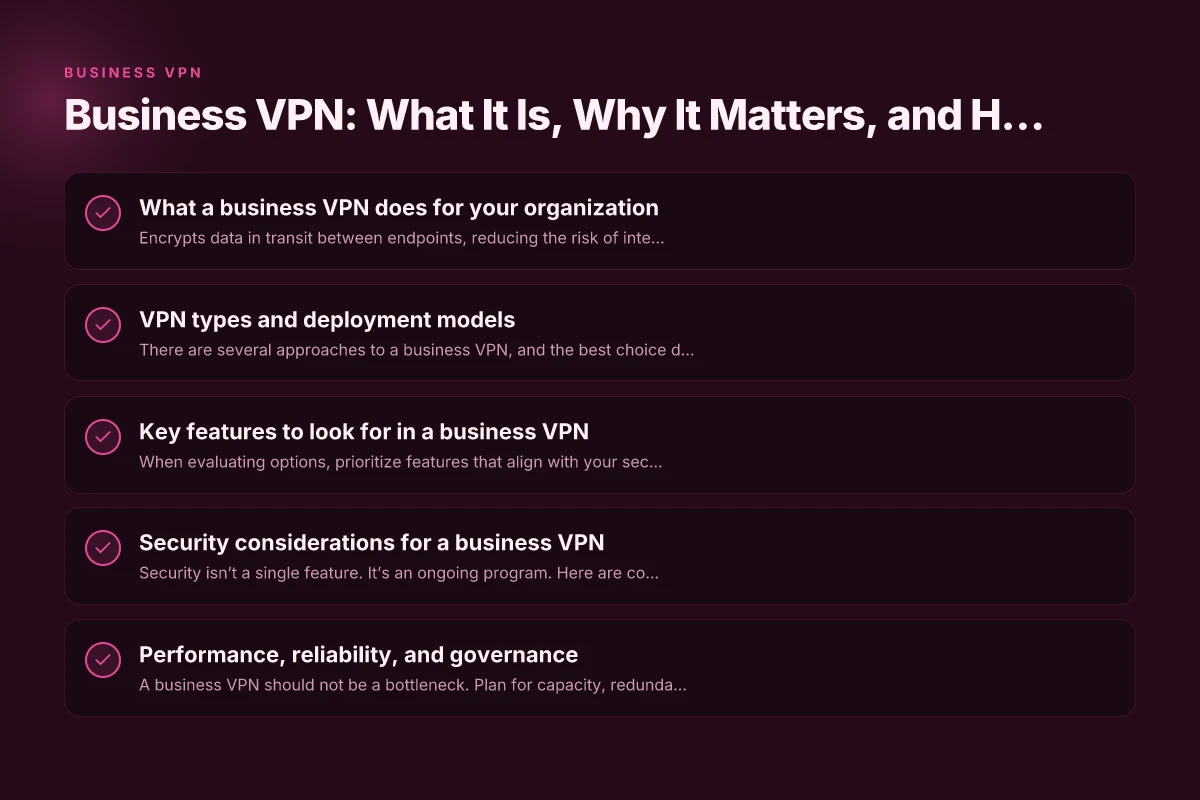
What a business VPN does for your organization
- Encrypts data in transit between endpoints, reducing the risk of interception.
- Provides secure remote access for employees, contractors, and partners.
- Helps enforce access controls, device posture, and segmentation within the network.
- Enables secure connections to cloud environments, data centers, and on‑prem resources.
- Supports compliance requirements by offering auditing, logging, and policy enforcement.
A business VPN is most effective when it fits into a broader security strategy. It should work in concert with multi‑factor authentication (MFA), zero trust principles, endpoint security, and monitored access controls. When designed well, a VPN reduces attack surface while giving teams the flexibility to work securely from anywhere.
VPN types and deployment models
There are several approaches to a business VPN, and the best choice depends on your architecture, workforce, and risk tolerance.
Remote access VPN
Employees connect individually to the company network. Ideal for organizations with a distributed workforce and varying devices. Pros include flexibility and broad compatibility. Cons include potential scaling challenges and management overhead.
Site-to-site VPN
Creates a secure bridge between two networks (for example, a branch office and the main data center). Pros include strong inter‑office security and simplified policy enforcement. Cons include less support for end-user remote work. Buckup.zipo: What It Is, How It Works, and Why It Matters
Secure Access Service Edge (SASE) and VPN convergence
A modern approach that blends VPN capabilities with secure web gateway, CASB, and zero trust network access (ZTNA). Pros include unified security policy and cloud scalability. Cons include potentially higher complexity and vendor lock‑in.
Cloud VPN vs. on‑prem VPN
Cloud VPNs run in a provider’s data centers, offering scalability and reduced on‑prem maintenance. On‑prem VPNs give you full control but require more infrastructure management. The right mix depends on your data residency, latency, and control requirements.
Key features to look for in a business VPN
When evaluating options, prioritize features that align with your security posture and operational needs.
- Strong encryption and modern protocols: Look for AES‑256, and support for WireGuard, OpenVPN, or IKEv2.
- MFA and robust identity integration: SAML/OIDC, MFA, and seamless integration with your identity provider.
- Zero trust readiness: Per‑session access, device posture checks, and least‑privilege access controls.
- Network access controls and segmentation: Granular policies that limit user access to only what’s needed.
- Audit logs and monitoring: Immutable logs, alerting, and easy export for compliance reporting.
- Performance and reliability: High‑availability architecture, load balancing, and low latency for remote workers.
- Easy administration: Centralized management console, role‑based access control (RBAC), and straightforward onboarding/offboarding.
- Compatibility and device support: Windows, macOS, Linux, iOS, Android, and virtual desktop environments.
- Split tunneling vs. full tunneling: Decide based on security needs and bandwidth considerations.
- Incident response and support: Clear SLAs, incident playbooks, and responsive vendor support.
Security considerations for a business VPN
Security isn’t a single feature. It’s an ongoing program. Here are core considerations to guard against common risks. Bitdefender VPN: a thorough guide to what it is, how it works, and whether it’s right for you
- Use strong authentication: MFA is essential. Consider hardware tokens or push-based methods for high‑risk roles.
- Enforce least privilege: Access should be granted per user role and need-to-know basis. Implement per‑application access.
- Regularly rotate credentials and keys: Secrets management reduces the risk of exposure if a tunnel key is compromised.
- Monitor for abnormal access patterns: Anomalous login times, unusual IPs, or geolocation shifts should trigger risk-based prompts or blockages.
- Multi‑layered controls: Don’t rely solely on the VPN for security. Pair with endpoint protection, EDR, and secure configuration baselines.
- Data loss prevention (DLP) integration: If sensitive data travels through VPN, apply DLP rules and policy enforcement.
- Incident response readiness: Have runbooks for VPN‑related incidents, including suspected credential abuse or tunnel compromise.
- Regular vulnerability management: Patch VPN servers, keep firmware updated, and perform penetration testing with authorization.
Performance, reliability, and governance
A business VPN should not be a bottleneck. Plan for capacity, redundancy, and governance that scales with your organization.
- Capacity planning: Estimate concurrent users, peak times, and data throughput to size tunnels, gateways, and bandwidth.
- Redundancy and failover: Ensure there are multiple gateways and automatic failover to minimize downtime.
- Geographic distribution: Deploy gateways closer to your workforce to reduce latency and improve user experience.
- Observability: Use metrics for connection success rates, latency, jitter, and tunnel uptime. Dashboards help you spot problems quickly.
- Compliance alignment: Map VPN policies to regulatory requirements (e.g., GDPR, HIPAA, PCI) and maintain audit trails.
Table: Common VPN deployment trade-offs
- Remote access VPN vs. Site-to-site VPN
- Security emphasis vs. performance emphasis
- Cloud-based VPN vs. on-prem VPN
- Full tunneling vs. split tunneling
| Model | Best For | Pros | Cons |
|---|---|---|---|
| Remote access VPN | Distributed workforce, contractors | Flexible, broad device support | Can be harder to scale; potential endpoint risk |
| Site-to-site VPN | Interconnecting offices or data centers | Strong network segmentation, simple policy mgmt | Less ideal for remote end-users |
| SASE-like VPN | Cloud-first organizations, global teams | Unified security, scalable, cloud-managed | Complexity, vendor dependency |
| Cloud VPN | Cloud-native or hybrid environments | Quick deployment, low on‑prem maintenance | Dependency on provider uptime |
How to choose a business VPN provider
Choosing the right vendor involves a mix of security, performance, governance, and total cost of ownership. A structured approach helps.
- Define your requirements: Number of users, devices, locations, required integrations (IDP, MDM, EDR), and whether you need ZTNA features.
- Security posture: Ensure strong encryption, MFA, device posture checks, per‑session access, and robust logging.
- Scalability and performance: Look for high‑availability gateways, global PoPs, and performance guarantees (SLAs) for latency and uptime.
- Compliance support: Assess whether the vendor supports your regulatory needs and offers audit-ready logging.
- Management and ease of use: Centralized control plane, intuitive policy management, quick onboarding, and thorough documentation.
- Pricing and licensing: Understand per-user vs. per‑device pricing, seat counts, and any add‑ons (e.g., DLP, CASB, ZTNA components).
- Support and validation: Check response times, support channels, and customer references in similar industries.
- Migration path and risk: Plan for a phased rollout, data migration, and a rollback strategy if needed.
- Vendor lock‑in and exit options: Clarify data portability, exit assistance, and contract terms.
Best practices for rollout and ongoing management
A successful VPN rollout is as much about people and processes as it is about technology. Betternet VPN: what it is, how it works, and whether it’s right for you
- Start with a pilot: Run a limited deployment with a cross‑functional group to surface issues.
- Build a strong identity foundation: Integrate with your identity provider, enforce MFA, and adopt RBAC from day one.
- Phase rollout by risk: Prioritize high‑risk roles or sensitive data access first. Expand gradually.
- Establish clear access policies: Document who can access what and under which conditions. Publish these policies for transparency.
- Train users and admins: Provide onboarding materials, security awareness training, and regular updates on policy changes.
- Monitor and adapt: Use dashboards to review usage, performance, and security events. Adjust rules and scaling as needed.
- Regular audits and reviews: Conduct semiannual policy reviews, vulnerability scans, and compliance assessments.
- Incident drills: Run tabletop exercises for VPN-related incidents to improve response readiness.
Final recommendation
For most organizations, a modern business VPN that blends robust encryption, MFA, zero-trust readiness, and cloud‑native management offers the best balance of security and usability. Look for a vendor that provides a scalable, global deployment footprint, clear governance controls, and reliable support. Prioritize a solution that fits your current architecture (cloud, on‑prem, or hybrid) and aligns with your longer‑term security strategy, including seamless integration with identity providers, endpoint security, and data protection policies. If you anticipate rapid growth, favor a SASE‑style approach that consolidates VPN, secure access, and cloud security features in a single, scalable platform. Ultimately, the right business VPN should reduce risk while enabling your teams to collaborate securely from anywhere.
| VPN | Obfuscation | From / month | Plan | Free plan | Refund | Alipay | UnionPay | Crypto | Website opens in China | Trustpilot | |
|---|---|---|---|---|---|---|---|---|---|---|---|
 ZoogVPN | Turn on manually Shadow | $2.49/mo | 27 months: $59.99 | Yes | 7 days | ✓ | ✓ | ✓ | ✓ | Official site blocked; our special link opens (4.4 s) | 4.2/5 (195 reviews) |
 NordVPN | Turn on manually Obfuscated Servers / NordWhisper | $3.49/mo | 27 months: $94.23 | No | 30 days | ? | ✗ | ✓ | ✓ | ✗ Blocked | 4.2/5 (51,628 reviews) |
 ExpressVPN | ✓ On by default all servers | $3.00/mo | 28 months: $84 | No | 30 days | ✗ | ✗ | ✓ | ✗ | ✗ Blocked | 4.4/5 (29,706 reviews) |
 Surfshark | ✓ On by default Camouflage, with OpenVPN | See site | See site | No | 30 days | ✗ | ✗ | ✗ | ✓ | ✗ Blocked | 4.3/5 (31,823 reviews) |
 Proton VPN | Turn on manually Stealth, free plan too | $2.99/mo | 12 months: $35.88 | Yes | 30 days | ✗ | ✗ | ✗ | ✓ | ✗ Blocked | 2.1/5 (1,040 reviews) |
 Astrill VPN | Turn on manually StealthVPN / OpenWeb | $12.50/mo | 24 months: $300 | No | See site | ✗ | ✗ | ✗ | ✓ | ✗ Blocked | 1.3/5 (110 reviews) |
 Private Internet Access | Turn on manually Shadowsocks, OpenVPN only | $2.03/mo | 40 months: $81.2 | No | 30 days | ✗ | ✗ | ✗ | ✗ | ✗ Blocked | 4.2/5 (11,033 reviews) |
 CyberGhost | Turn on manually selected servers | $2.19/mo | 28 months: $61.32 | No | 45 days | ✗ | ✗ | ✗ | ✓ | ✗ Blocked | 4.0/5 (24,178 reviews) |
 PureVPN | Turn on manually switch to OpenVPN | $1.69/mo | 60 months: $101.55 | No | 31 days | ? | ? | ✗ | ✓ | ✗ Blocked | 4.4/5 (17,994 reviews) |
 AdGuard VPN | ✓ On by default TrustTunnel | $2.99/mo | 24 months: $71.76 | Yes | 30 days | ✓ | ✗ | ✓ | ✓ | Official site blocked; our special link opens (3.7 s) | 4.3/5 (290 reviews) |
 Mullvad | Turn on manually QUIC / Shadowsocks / LWO | $5.61/mo | €5/mo | No | 14 days | ✗ | ✗ | ✗ | ✓ | ✗ Blocked | 3.2/5 (192 reviews) |
 Windscribe | Turn on manually Stealth / WStunnel | $5.75/mo | 12 months: $69 | Yes | See site | ✗ | ✗ | ✗ | ✓ | ✗ Blocked | 4.7/5 (13,355 reviews) |
 StrongVPN | Turn on manually Scramble, OpenVPN TCP | See site | See site | No | 30 days | ✓ | ✗ | ✗ | ✗ | ✗ Blocked | 4.4/5 (2,695 reviews) |
 LightXtreme 闪连 | Not listed | $7.08/mo | 12 months: $84.99 | Yes | 30 days | ✓ | ✓ | ✓ | ✓ | ✓ Yes (3.5 s) | No page |
Prices checked 2026-11-10 on each vendor's pricing page (cheapest long plan, USD). Check the vendor's checkout for the final price.
Obfuscation checked 2026-11-14 on each vendor's site and help center: "on by default" = nothing to set; "turn on manually" = switch protocol or mode in settings; "not listed" = the vendor describes no obfuscation.
Payment methods checked 2026-11-10 on each vendor's payment pages: all 14 take cards and PayPal; ✗ = not listed, ? = the vendor's own pages disagree.
China access: whether the official website opens from mainland China networks (tests the website only, not the VPN connection). Last checked 2026-11-18 01:02 Beijing time.
Trustpilot score and review count checked 2026-11-10.
Henry runs the site's VPN trial and refund tests.