VPN for phone: everything you need to know to stay secure on mobile
A practical guide to choosing, using, and optimizing a VPN for your phone.
A VPN for your phone isn’t just for accessing geo-blocked apps or streaming libraries. It’s a security tool that can shield sensitive data on public Wi‑Fi, protect your location from casual tracking, and add a layer of privacy when you’re on the move. This guide walks you through what a VPN for phone does, how to pick one, how to use it responsibly, and what trade-offs you should expect.

What a VPN for phone does and doesn’t do
How it works
- A VPN (Virtual Private Network) creates a secure, encrypted tunnel between your phone and a VPN server.
- Your internet traffic appears to come from the VPN server rather than your device.
- This helps protect data from eavesdroppers on public networks, like coffee shops or airports.
What it protects
- Public Wi‑Fi security: encryption reduces the risk of shoulder surfing and data capture.
- Privacy: it hides your IP address from apps and websites in many cases.
- Access control: you can bypass some regional restrictions, though this depends on the provider and laws.
What it doesn’t replace
- Antivirus or device security: a VPN is not a substitute for malware protection or a secure device.
- Trust in the VPN provider: you must trust that the provider won’t log more data than you’re comfortable sharing.
- Absolute anonymity: a VPN can reduce tracking, but it doesn’t make you invisible online.
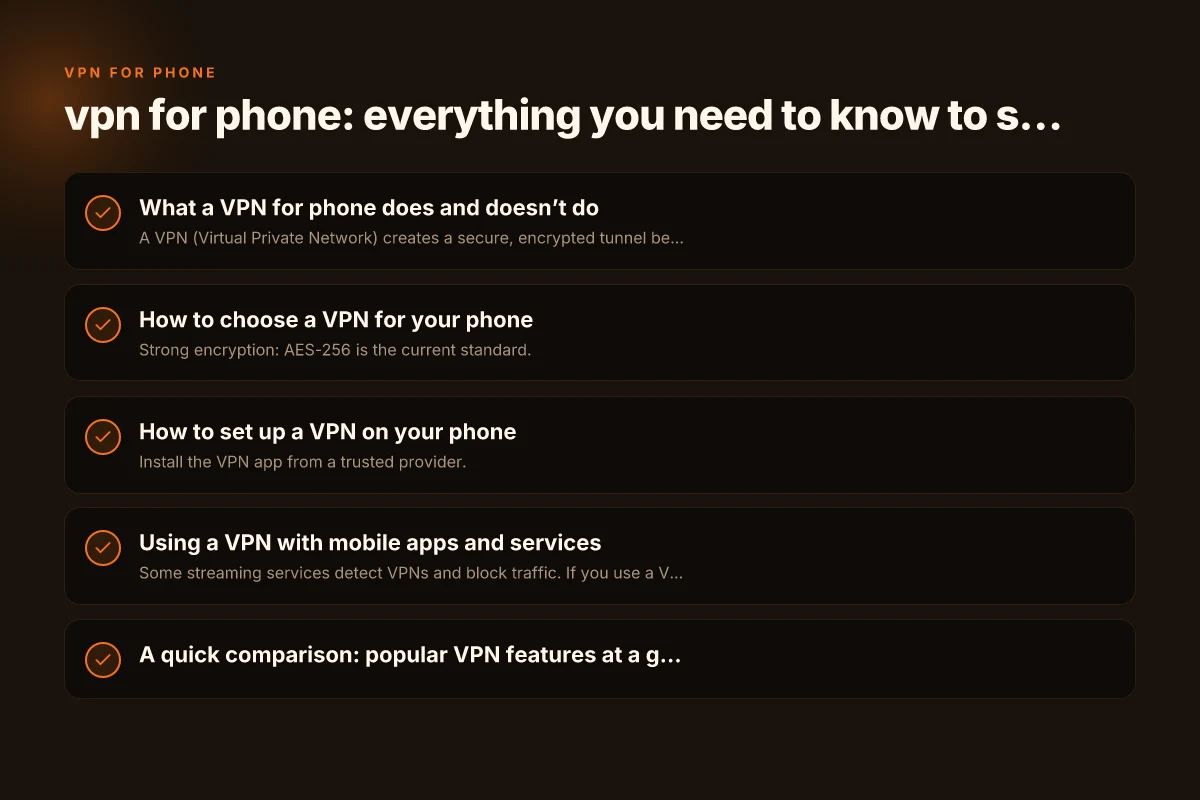
How to choose a VPN for your phone
Key features to look for
- Strong encryption: AES-256 is the current standard.
- Privacy policy: a transparent, independent audit or clear no-logs stance is ideal.
- Jurisdiction: providers based in privacy-friendly regions may be preferable.
- Connection protocols: OpenVPN, WireGuard, and IKEv2 are common; WireGuard often offers speed with good security.
- Kill switch: protects data if the VPN drops.
- Split tunneling: lets you decide which apps go through the VPN.
- Battery impact: some VPNs drain battery more than others. Look for efficiency in reviews.
- Simultaneous connections: how many devices can stay connected at once.
Platform considerations
- iOS and Android both support most major VPN apps, but some features may vary.
- Native VPN settings vs. app-based: some users prefer a system-level VPN profile for consistency.
Cost and plans
- Free vs. paid: free options often limit data, speed, or log practices. Paid plans typically offer better privacy and performance.
- Trials and refunds: check if there’s a money-back guarantee to test the service.
How to set up a VPN on your phone
iPhone (iOS)
- Install the VPN app from a trusted provider.
- Open the app and log in. Grant necessary permissions (Device Management, VPN).
- Allow the app to configure a VPN profile if prompted.
- Activate the VPN via the app or iOS Control Center.
- Test with an IP check website to confirm your traffic is routing through the VPN.
Android
- Download the VPN app from the Google Play Store or trusted source.
- Sign in and set up the VPN profile.
- Enable the VPN from the notification shade or the app.
- Confirm your public IP shows the VPN server location.
General tips
- Enable the kill switch if your app supports it.
- Turn on split tunneling only if you need it. Otherwise, route all traffic through the VPN for maximum privacy.
- Keep the app updated to benefit from security fixes.
Using a VPN with mobile apps and services
Streaming and geo restrictions
- Some streaming services detect VPNs and block traffic. If you use a VPN for streaming, choose a provider known for reliable unblocking.
- Be mindful of quality: some servers may cause buffering. Try different servers or switch to a lower bitrate.
Banking and sensitive apps
- For financial apps, consider turning off the VPN while you’re highly trusted networks or when the app insists on direct connections. Some banks may flag VPN usage as a security risk.
- Use biometric authentication and strong device passwords in addition to the VPN for a layered defense.
Public Wi‑Fi scenarios
- Always turn the VPN on when connected to open Wi‑Fi networks.
- If you’re on a trusted cellular network, you may still benefit from encryption, but the risk profile is different.
A quick comparison: popular VPN features at a glance
| Feature | Essential for phone security | Nice-to-have | Notes |
|---|---|---|---|
| Encryption (AES-256) | Yes | - | Core security baseline |
| Raw privacy policy | Yes | - | Prefer no-logs or independent audit |
| Kill switch | Yes | - | Prevents data leaks on dropouts |
| WireGuard protocol | Yes | - | Fast, efficient, modern |
| Split tunneling | Optional | Yes | Useful for saving battery or local access |
| Simultaneous devices | Yes | - | More devices = more flexibility |
| Native app quality | Yes | - | Stable, feature-rich apps improve UX |
| Jurisdiction | Yes | - | Privacy-friendly regions help, consider legal context |
| Refund/trial | Optional | - | Test before committing long term |
Battery, data usage, and performance considerations
- Battery drain: VPNs can consume more power, particularly on active use with location services or video streaming.
- Data usage: some VPNs compress traffic. Others do not. Compression can improve efficiency on certain networks.
- Speed: server distance, server load, and protocol affect performance. WireGuard tends to be faster on many networks.
- Background activity: some apps keep VPN connections active in the background. Check app battery optimization settings to avoid throttling.
- Network reliability: if you’re in an area with spotty coverage, your VPN may reconnect frequently, which can be annoying.
Privacy best practices beyond a VPN
- Use HTTPS everywhere: rely on secure protocols wherever possible.
- Review app permissions: restrict apps that don’t need access to location, micro, or contacts.
- Regularly update devices: install OS and app updates to mitigate security flaws.
- Use a trusted VPN provider: avoid free or questionable services that log data or inject ads.
- Consider a personal privacy baseline: simple steps like disabling ad trackers, using a privacy-focused browser, and limiting data sharing helps.
When a VPN for phone is the right choice
- You frequently use public Wi‑Fi (cafes, airports, hotels).
- You want to guard against data snooping on shared networks.
- You broadcast your approximate location through apps and want to mitigate it.
- You travel and want to access content from home libraries or services.
When a VPN is not the right fit, you’ll know it by performance issues, blocked services, or a provider you don’t trust. The best approach is to test a reputable service for a couple of weeks, compare its performance on the networks you use most, and review the privacy policy for transparency.
Final section: recommendation If you’re looking for a reliable, user-friendly VPN for your phone, start with a well-reviewed provider that offers WireGuard support, a robust no-logs policy, a clear kill switch, and positive mobile app ratings. Choose a plan that allows multiple devices, but prioritize the phone experience first. Install the app, run a quick IP check to verify the VPN is active, and test on a few networks, home Wi‑Fi, a public hotspot, and your mobile data. With these steps, you’ll have stronger privacy, better security on public networks, and smoother access to the content you want, all from your phone.
| VPN | Obfuscation | From / month | Plan | Free plan | Refund | Alipay | UnionPay | Crypto | Website opens in China | Trustpilot | |
|---|---|---|---|---|---|---|---|---|---|---|---|
 ZoogVPN | Turn on manually Shadow | $2.49/mo | 27 months: $59.99 | Yes | 7 days | ✓ | ✓ | ✓ | ✓ | Official site blocked; our special link opens (4.4 s) | 4.2/5 (195 reviews) |
 NordVPN | Turn on manually Obfuscated Servers / NordWhisper | $3.49/mo | 27 months: $94.23 | No | 30 days | ? | ✗ | ✓ | ✓ | ✗ Blocked | 4.2/5 (51,628 reviews) |
 ExpressVPN | ✓ On by default all servers | $3.00/mo | 28 months: $84 | No | 30 days | ✗ | ✗ | ✓ | ✗ | ✗ Blocked | 4.4/5 (29,706 reviews) |
 Surfshark | ✓ On by default Camouflage, with OpenVPN | See site | See site | No | 30 days | ✗ | ✗ | ✗ | ✓ | ✗ Blocked | 4.3/5 (31,823 reviews) |
 Proton VPN | Turn on manually Stealth, free plan too | $2.99/mo | 12 months: $35.88 | Yes | 30 days | ✗ | ✗ | ✗ | ✓ | ✗ Blocked | 2.1/5 (1,040 reviews) |
 Astrill VPN | Turn on manually StealthVPN / OpenWeb | $12.50/mo | 24 months: $300 | No | See site | ✗ | ✗ | ✗ | ✓ | ✗ Blocked | 1.3/5 (110 reviews) |
 Private Internet Access | Turn on manually Shadowsocks, OpenVPN only | $2.03/mo | 40 months: $81.2 | No | 30 days | ✗ | ✗ | ✗ | ✗ | ✗ Blocked | 4.2/5 (11,033 reviews) |
 CyberGhost | Turn on manually selected servers | $2.19/mo | 28 months: $61.32 | No | 45 days | ✗ | ✗ | ✗ | ✓ | ✗ Blocked | 4.0/5 (24,178 reviews) |
 PureVPN | Turn on manually switch to OpenVPN | $1.69/mo | 60 months: $101.55 | No | 31 days | ? | ? | ✗ | ✓ | ✗ Blocked | 4.4/5 (17,994 reviews) |
 AdGuard VPN | ✓ On by default TrustTunnel | $2.99/mo | 24 months: $71.76 | Yes | 30 days | ✓ | ✗ | ✓ | ✓ | Official site blocked; our special link opens (3.7 s) | 4.3/5 (290 reviews) |
 Mullvad | Turn on manually QUIC / Shadowsocks / LWO | $5.61/mo | €5/mo | No | 14 days | ✗ | ✗ | ✗ | ✓ | ✗ Blocked | 3.2/5 (192 reviews) |
 Windscribe | Turn on manually Stealth / WStunnel | $5.75/mo | 12 months: $69 | Yes | See site | ✗ | ✗ | ✗ | ✓ | ✗ Blocked | 4.7/5 (13,355 reviews) |
 StrongVPN | Turn on manually Scramble, OpenVPN TCP | See site | See site | No | 30 days | ✓ | ✗ | ✗ | ✗ | ✗ Blocked | 4.4/5 (2,695 reviews) |
 LightXtreme 闪连 | Not listed | $7.08/mo | 12 months: $84.99 | Yes | 30 days | ✓ | ✓ | ✓ | ✓ | ✓ Yes (3.5 s) | No page |
Prices checked 2026-11-10 on each vendor's pricing page (cheapest long plan, USD). Check the vendor's checkout for the final price.
Obfuscation checked 2026-11-14 on each vendor's site and help center: "on by default" = nothing to set; "turn on manually" = switch protocol or mode in settings; "not listed" = the vendor describes no obfuscation.
Payment methods checked 2026-11-10 on each vendor's payment pages: all 14 take cards and PayPal; ✗ = not listed, ? = the vendor's own pages disagree.
China access: whether the official website opens from mainland China networks (tests the website only, not the VPN connection). Last checked 2026-11-18 01:02 Beijing time.
Trustpilot score and review count checked 2026-11-10.
Naomi writes about VPN apps, browsers and privacy settings.