VPN Service: A Practical Guide to Choosing and Using VPNs
A clear, practical guide to understanding, evaluating, and using a VPN service effectively.
In today’s connected world, a VPN service is a powerful tool for privacy, security, and access. It creates a secure tunnel between your device and the internet, shielding your data from prying eyes on public networks and masking your real IP address. Whether you’re browsing on public Wi-Fi, streaming content from another country, or simply trying to keep your online activity private from advertisers, a reputable VPN can help. But not all VPNs are created equal. This guide walks you through what a VPN does, how to choose one, and how to use it effectively.

What a VPN service does
A VPN, or Virtual Private Network, has a few core functions:
- Encrypts traffic between your device and the VPN server, protecting data from eavesdroppers.
- Masks your real IP address, making you appear to browse from the server’s location.
- Routes your internet traffic through a remote server, which can help bypass local network restrictions.
- Provides features like kill switch, split tunneling, and DNS leak protection to enhance security.
A VPN increases privacy and security. It does not make you completely anonymous. It also cannot bypass legal restrictions or protect you from all online threats. A VPN should be part of a broader approach to digital safety, including strong passwords, two-factor authentication, and up-to-date software.
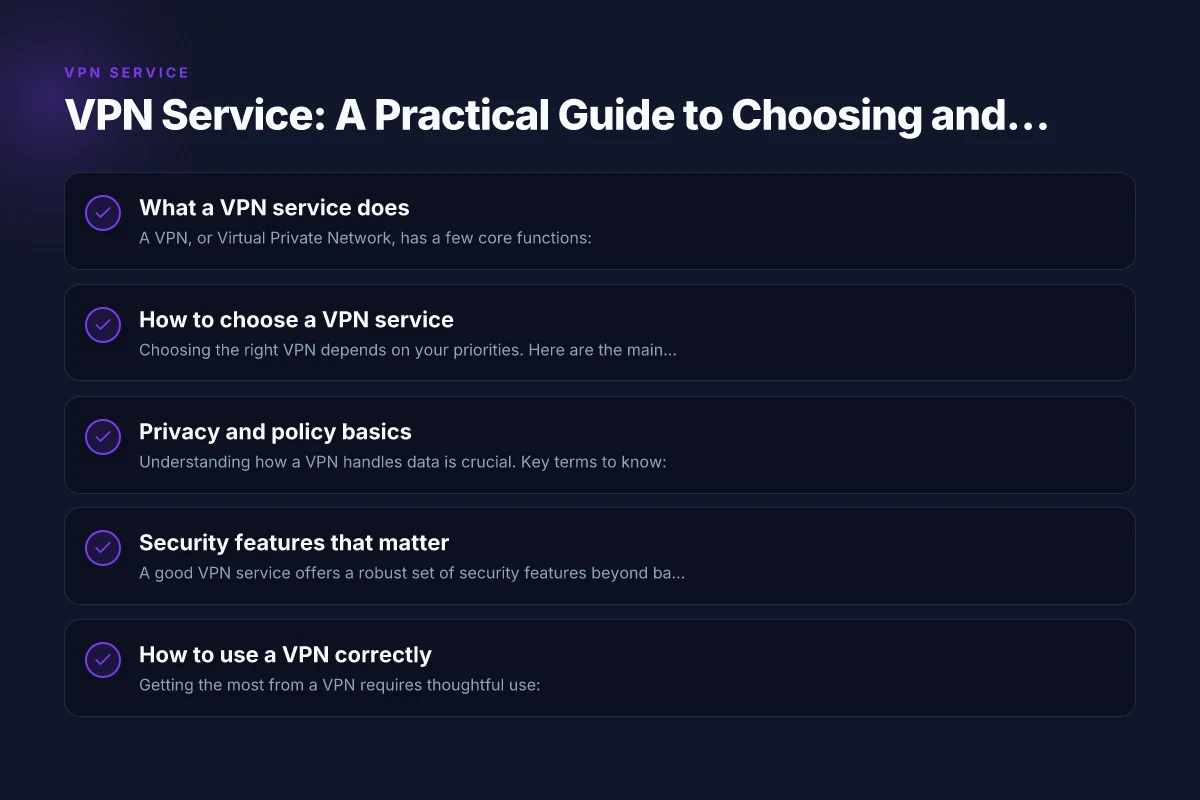
How to choose a VPN service
Choosing the right VPN depends on your priorities. Here are the main factors to consider:
- Privacy policy and jurisdiction: Look for a clear no-logs policy and a country with strong privacy protections. Some jurisdictions require data retention or allow data requests, which can affect privacy.
- Encryption and security features: Strong protocols (like WireGuard or OpenVPN), AES-256 encryption, and features such as a kill switch (which blocks internet traffic if the VPN drops) are important.
- Speed and performance: VPNs can slow your connection. Check server locations, bandwidth limits, and performance reviews. If you need gaming or streaming, look for low-latency servers and fast speed.
- Server network: A larger network gives more options for bypassing geo-restrictions and maintaining speed. Consider the number of servers, their locations, and load.
- Privacy-friendly logging: Even “no-logs” claims should be reviewed. Some services log minimal data for operational purposes. Read the policy carefully.
- Compatibility: Ensure the VPN supports your devices and platforms (Windows, macOS, iOS, Android, Linux, routers). Also check browser extensions if you use them.
- Features: Split tunneling, ad/tracker blocking, multi-hop, obfuscated servers, and compatibility with streaming services can be deciding factors.
- Price and value: Compare plans, refunds, and whether features like simultaneous connections fit your needs.
Privacy and policy basics
Understanding how a VPN handles data is crucial. Key terms to know: VPN server
- No-logs policy: The provider does not store user activity, traffic metadata, or connection logs. Some providers may log only minimal operational data.
- Jurisdiction: Where the company is legally based affects what data may be requested by authorities.
- Data retention: If a provider keeps logs temporarily, they may still be collected by law enforcement.
What to look for in practice:
- A transparent privacy policy with concrete explanations of what is collected and for how long.
- An independent security audit or verifications by third parties.
- Clear disclosures about government data requests and how they are handled.
Security features that matter
A good VPN service offers a robust set of security features beyond basic encryption:
- Protocol choice: WireGuard is known for speed and modern cryptography; OpenVPN remains widely trusted.
- Kill switch: Prevents leakage if the VPN connection drops.
- DNS leak protection: Ensures DNS requests don’t reveal your true IP.
- Multi-hop or chained VPN: Routes traffic through multiple servers for extra anonymity.
- Obfuscated servers: Useful in restrictive networks to hide VPN use.
- Exit-server policies: Some providers allow you to know if the exit server is logging any data.
How to use a VPN correctly
Getting the most from a VPN requires thoughtful use:
- Choose a reliable provider: Start with reputable brands that publish transparent policies and have positive independent reviews.
- Install and set up properly: Install on your devices, enable the kill switch, and select a server location aligned with your goals (privacy, speed, or access to a region).
- Avoid double VPNs unless needed: They can add latency and complexity without always providing a meaningful privacy increase.
- Test for IP and DNS leaks: Use online tools to verify your real IP isn’t leaking and DNS requests aren’t revealing your location.
- Respect service terms: A VPN doesn’t grant immunity from law or policy violations. Use it responsibly and legally.
A practical comparison: features to weigh
Here is a quick comparison table showing common VPN features and what they mean in practice. This helps you weigh options side-by-side. VPN router: what it is, why you need one, and how to pick the right model
| Feature | What it means for you | Typical impact on use |
|---|---|---|
| No-logs policy | Your activity isn’t stored by the provider | Higher privacy, often slower for audits |
| Jurisdiction | Where data is stored and potentially requested | Legal considerations and risk |
| Protocols supported | WireGuard, OpenVPN, etc. | Speed vs. compatibility trade-off |
| Kill switch | Blocks traffic if VPN drops | Prevents IP leaks |
| DNS leak protection | Keeps DNS requests from revealing real IP | Improves privacy integrity |
| Server count and locations | Availability and latency to different regions | Affects speed and access to content |
| Simultaneous connections | How many devices can be protected at once | Convenience and value |
| Obfuscated servers | VPN usage in restrictive networks | Access in highly censored areas |
Common use cases and tips
- Protecting on public Wi-Fi: A VPN is especially valuable on coffee shops, airports, and hotels where network traffic can be monitored.
- Bypassing geo-blocks: If you want to access a service or library available in another country, connect to a server in that location. Be mindful of the provider’s terms and content licensing.
- Remote work: For teams, a VPN provides a secure channel to share files and access internal resources. Use enterprise-grade solutions if managing a business network.
- Streaming considerations: Some streaming services actively block VPN IPs. If you encounter blocks, try different servers or contact customer support for recommended options.
| VPN | Obfuscation | From / month | Plan | Free plan | Refund | Alipay | UnionPay | Crypto | Website opens in China | Trustpilot | |
|---|---|---|---|---|---|---|---|---|---|---|---|
 ZoogVPN | Turn on manually Shadow | $2.49/mo | 27 months: $59.99 | Yes | 7 days | ✓ | ✓ | ✓ | ✓ | Official site blocked; our special link opens (4.4 s) | 4.2/5 (195 reviews) |
 NordVPN | Turn on manually Obfuscated Servers / NordWhisper | $3.49/mo | 27 months: $94.23 | No | 30 days | ? | ✗ | ✓ | ✓ | ✗ Blocked | 4.2/5 (51,628 reviews) |
 ExpressVPN | ✓ On by default all servers | $3.00/mo | 28 months: $84 | No | 30 days | ✗ | ✗ | ✓ | ✗ | ✗ Blocked | 4.4/5 (29,706 reviews) |
 Surfshark | ✓ On by default Camouflage, with OpenVPN | See site | See site | No | 30 days | ✗ | ✗ | ✗ | ✓ | ✗ Blocked | 4.3/5 (31,823 reviews) |
 Proton VPN | Turn on manually Stealth, free plan too | $2.99/mo | 12 months: $35.88 | Yes | 30 days | ✗ | ✗ | ✗ | ✓ | ✗ Blocked | 2.1/5 (1,040 reviews) |
 Astrill VPN | Turn on manually StealthVPN / OpenWeb | $12.50/mo | 24 months: $300 | No | See site | ✗ | ✗ | ✗ | ✓ | ✗ Blocked | 1.3/5 (110 reviews) |
 Private Internet Access | Turn on manually Shadowsocks, OpenVPN only | $2.03/mo | 40 months: $81.2 | No | 30 days | ✗ | ✗ | ✗ | ✗ | ✗ Blocked | 4.2/5 (11,033 reviews) |
 CyberGhost | Turn on manually selected servers | $2.19/mo | 28 months: $61.32 | No | 45 days | ✗ | ✗ | ✗ | ✓ | ✗ Blocked | 4.0/5 (24,178 reviews) |
 PureVPN | Turn on manually switch to OpenVPN | $1.69/mo | 60 months: $101.55 | No | 31 days | ? | ? | ✗ | ✓ | ✗ Blocked | 4.4/5 (17,994 reviews) |
 AdGuard VPN | ✓ On by default TrustTunnel | $2.99/mo | 24 months: $71.76 | Yes | 30 days | ✓ | ✗ | ✓ | ✓ | Official site blocked; our special link opens (3.7 s) | 4.3/5 (290 reviews) |
 Mullvad | Turn on manually QUIC / Shadowsocks / LWO | $5.61/mo | €5/mo | No | 14 days | ✗ | ✗ | ✗ | ✓ | ✗ Blocked | 3.2/5 (192 reviews) |
 Windscribe | Turn on manually Stealth / WStunnel | $5.75/mo | 12 months: $69 | Yes | See site | ✗ | ✗ | ✗ | ✓ | ✗ Blocked | 4.7/5 (13,355 reviews) |
 StrongVPN | Turn on manually Scramble, OpenVPN TCP | See site | See site | No | 30 days | ✓ | ✗ | ✗ | ✗ | ✗ Blocked | 4.4/5 (2,695 reviews) |
 LightXtreme 闪连 | Not listed | $7.08/mo | 12 months: $84.99 | Yes | 30 days | ✓ | ✓ | ✓ | ✓ | ✓ Yes (3.5 s) | No page |
Prices checked 2026-11-10 on each vendor's pricing page (cheapest long plan, USD). Check the vendor's checkout for the final price.
Obfuscation checked 2026-11-14 on each vendor's site and help center: "on by default" = nothing to set; "turn on manually" = switch protocol or mode in settings; "not listed" = the vendor describes no obfuscation.
Payment methods checked 2026-11-10 on each vendor's payment pages: all 14 take cards and PayPal; ✗ = not listed, ? = the vendor's own pages disagree.
China access: whether the official website opens from mainland China networks (tests the website only, not the VPN connection). Last checked 2026-11-18 01:02 Beijing time.
Trustpilot score and review count checked 2026-11-10.
Frequently asked questions
- Does a VPN make me completely anonymous? No. It increases privacy and security, but your device and account activity can still be tracked by other means (e.g., login credentials, cookies, browser fingerprinting).
- Can a VPN slow down my connection? Yes, because traffic is encrypted and routed through a server. The extent depends on server load and distance.
- Are free VPNs safe? Free services may log data, show ads, or have weaker security. They often monetize users in ways that reduce privacy.
- Is a VPN allowed everywhere? In many places it is legal, but some networks and services may block or restrict VPN use. Always follow local laws and terms of service.
Final section: recommendation
If you’re looking for a dependable VPN service, start with a provider that demonstrates a clear no-logs policy, robust encryption, and a transparent privacy stance, plus a wide server network and reliable performance. Look for independent audits or third-party verification and a responsive support team. For most users, a paid plan offers a higher level of reliability, faster speeds, and better privacy guarantees than free options. Test a few servers, enable the kill switch, and verify there are no DNS leaks. If streaming is your goal, check which servers are recommended for your region, and be prepared to switch servers if one is blocked. In short, a thoughtful, privacy-first VPN service can significantly improve your online privacy and freedom, provided you choose a reputable provider and configure it correctly.
Henry runs the site's VPN trial and refund tests.