VPN free online: what you need to know to stay safe and private
A practical guide to using vpn free online services, with tips, risks, and safe alternatives.
In this guide, you’ll learn what “vpn free online” typically means, what you should expect, and how to stay safe while using free VPN services. We’ll cover what a VPN does, the common trade-offs with free options, and practical steps you can take to protect your data online. By the end, you’ll have a clearer sense of when a free VPN makes sense and when to avoid it.

What a VPN does and what “free” means
A Virtual Private Network (VPN) creates an encrypted tunnel between your device and a VPN server. This helps obscure your IP address, may bypass geo-restrictions, and adds a layer of privacy on public networks. When you see “vpn free online,” it usually refers to:
- Free VPN apps or browser extensions you can download
- Free trials or freemium models
- Open-source or community-driven projects
With free options, there are important caveats:
- Data limits: Many free services cap daily or monthly data usage.
- Fewer servers: Free plans often have a smaller network, which can slow speeds and limit where you appear from.
- Advertisements: Some free VPNs inject ads or track usage to monetize the service.
- Privacy trade-offs: A notable risk is that some free VPNs log data and sell it or share it with third parties.
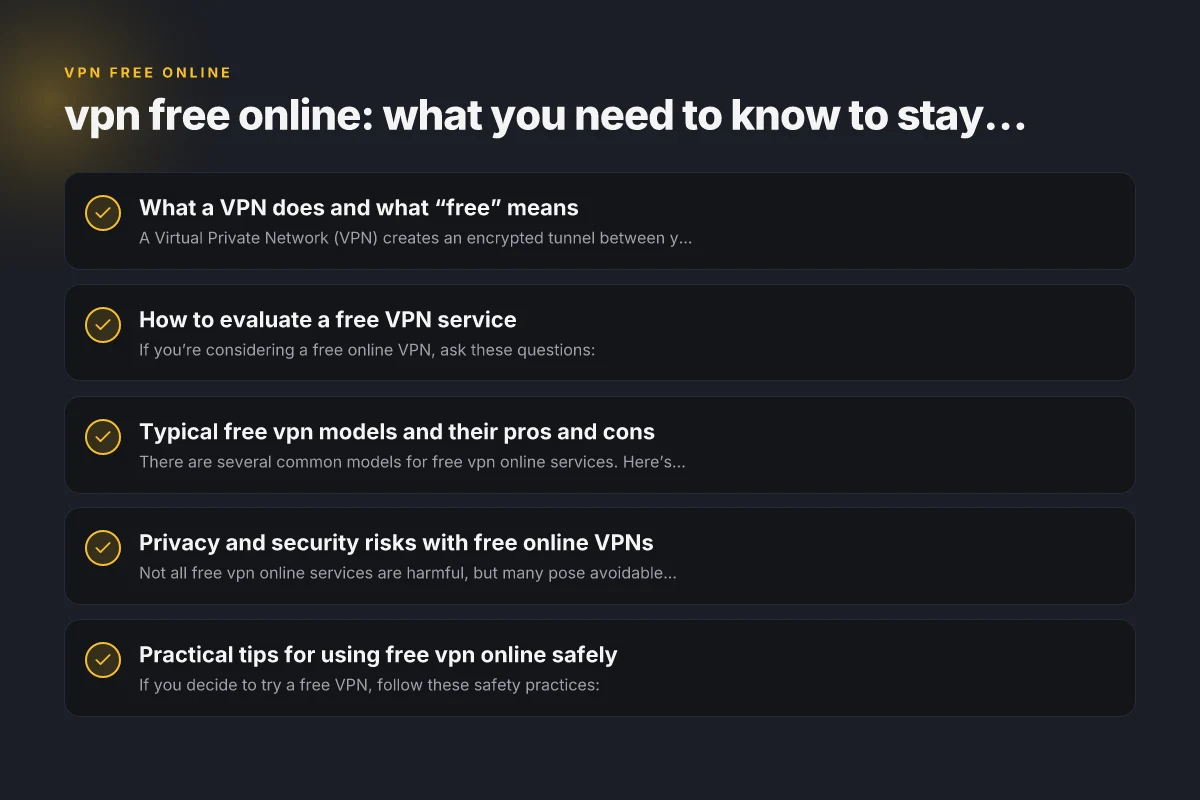
How to evaluate a free VPN service
If you’re considering a free online VPN, ask these questions:
- What is the data policy? Do they log your activity or sell data?
- What are the connection limits? How many devices can you use, and how much data can you transfer?
- What is the speed and reliability? Are there many servers, or only a few?
- Are there invasive permissions? Does the app request access to unnecessary device features?
- What are the security measures? Do they use strong encryption, kill switch, and leak protection?
A simple checklist helps you compare options quickly: VPN for Windows: The Essential Guide to Choosing and Using a VPN on Windows
- Privacy policy clarity: Clear, concise, and specific about data use.
- Performance: Realistic speeds with enough server variety.
- Security features: TLS/SSL, strong encryption, kill switch, DNS leak protection.
- Platform coverage: Windows, macOS, iOS, Android, Chrome/Firefox extensions.
- Customer trust signals: Independent audits, reputable reviews, and transparent contact information.
Typical free VPN models and their pros and cons
There are several common models for free vpn online services. Here’s a quick overview to help you compare.
| Model | Pros | Cons | Best Use |
|---|---|---|---|
| Free with data cap | Predictable limits; easy to try | Frequent throttling; may mean you’ll run out quickly | Short browsing sessions, trying out the app |
| Freemium (paid upgrade) | Access to more features with paid plan | Free tier may be too limited for ongoing use | Occasional anonymization or geo-unblocking; later upgrade |
| Free trial (time-limited) | Full features during trial | Only temporary; must cancel or pay afterward | Test before buying a premium plan |
| Open-source free VPNs | Transparent code, possible community trust | May require technical setup; variable support | Tech-savvy users who want transparency |
| Browser-only VPN extensions | Quick, lightweight | Limited device coverage; may leak if not well-designed | Casual browsing in the browser only |
Free models often use advertising, data monetization, or upsells. If privacy is a priority, this is a warning sign to read policies carefully and consider alternatives.
Privacy and security risks with free online VPNs
Not all free vpn online services are harmful, but many pose avoidable risks:
- Logging and data sale: Some free services log traffic and share data with advertisers or partners.
- Weak encryption: Some free options use outdated or insufficient encryption, reducing privacy gains.
- DNS and IP leaks: If the VPN doesn’t properly prevent leaks, your real IP or browsing activity can be exposed.
- Malware and deceptive apps: Some free VPNs bundle malware or unwanted software, especially on mobile.
- Fake servers or bait products: A few free offerings mislead about server locations or performance.
To reduce risk: VPN for streaming: how to pick a fast, reliable VPN for watching your favorite shows
- Prefer well-known brands with transparent privacy policies, even if free for a limited time.
- Look for independent audits or third-party verification.
- Use reputable app stores and avoid weird or unofficial APKs.
- Check for DNS leak tests and kill-switch functionality after installation.
Practical tips for using free VPN online safely
If you decide to try a free VPN, follow these safety practices:
- Start with a clean device: Ensure your OS and apps are up to date.
- Read the privacy policy: Look for data retention limits and sharing practices.
- Enable the kill switch: This blocks traffic if the VPN disconnects unexpectedly.
- Test for leaks: Use online tools to check for IP, DNS, and WebRTC leaks.
- Limit sensitive activity: Avoid banking or extremely sensitive communications over free VPNs.
- Set expectations: Free VPNs are usually best for light, non-sensitive browsing rather than a replacement for paid services.
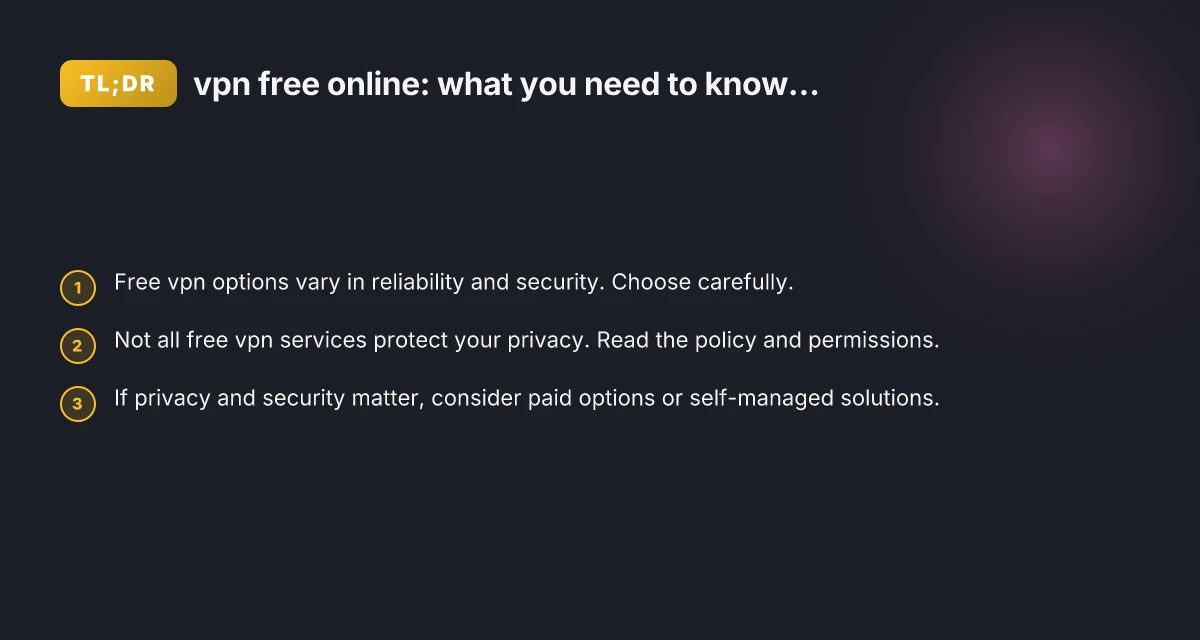
If your goal is privacy and security online, you may want to consider alternatives:
- Paid VPNs with strong privacy policies, independent audits, and robust security features.
- Self-hosted VPN solutions if you have the technical know-how and resources.
- Privacy-focused browser configurations and encrypted messaging apps as supplementary layers.
When a free VPN is reasonable and when to skip it
A free vpn online can be reasonable for:
- Testing a VPN service before paying
- Occasional access to a geo-blocked site for simple content consumption
- Checking what a VPN feels like in terms of speed and interface
You should skip or be cautious if you need: VPN for phone: everything you need to know to stay secure on mobile
- Consistent, high-speed connections for work or streaming
- Strong privacy protections and data minimization
- Protection on multiple devices with comprehensive features
If you frequently travel or work remotely and privacy matters, a paid solution is often the better long-term choice. Paid plans remove many of the headaches associated with free services and provide stronger guarantees.
A straightforward comparison to help you decide
Here’s a quick, practical comparison to illustrate what you might expect from common free vpn online options:
- Free browser extension: Quick setup, browser-wide protection in the browser, but may only protect traffic inside that browser and not apps outside.
- Free desktop/mobile app with data cap: Provides device-wide protection, but data limits can interrupt streaming or large downloads.
- Free trial of a premium VPN: Access to all features for a short period. Test performance and features before committing.
- Open-source free VPN: Transparent codebase, potential high trust. May require more manual setup and ongoing maintenance.
If you want a concrete pick:
- For casual, light browsing on a single device, a reputable free option with a transparent policy may be acceptable for a short period.
- For ongoing privacy and a reliable experience, a paid VPN with a no-logs policy, strong encryption, and a kill switch is typically worth the investment.
Short final section: the recommendation
If you’re evaluating vpn free online, start by clarifying your goal. If your primary need is quick, light testing and non-sensitive browsing, a reputable free option can be a reasonable starting point. However, if you require reliable privacy, consistent performance, and protection across multiple devices, investing in a paid VPN with a solid privacy framework is worth it. Always read the privacy policy, check for independent audits, and verify security features before connecting. Remember: you don’t have to accept the trade-offs of free services as a permanent arrangement. Your data, your privacy, and your online safety deserve clear guardrails, whether you choose free, paid, or self-managed options. VPN for PC
| VPN | Obfuscation | From / month | Plan | Free plan | Refund | Alipay | UnionPay | Crypto | Website opens in China | Trustpilot | |
|---|---|---|---|---|---|---|---|---|---|---|---|
 ZoogVPN | Turn on manually Shadow | $2.49/mo | 27 months: $59.99 | Yes | 7 days | ✓ | ✓ | ✓ | ✓ | Official site blocked; our special link opens (4.4 s) | 4.2/5 (195 reviews) |
 NordVPN | Turn on manually Obfuscated Servers / NordWhisper | $3.49/mo | 27 months: $94.23 | No | 30 days | ? | ✗ | ✓ | ✓ | ✗ Blocked | 4.2/5 (51,628 reviews) |
 ExpressVPN | ✓ On by default all servers | $3.00/mo | 28 months: $84 | No | 30 days | ✗ | ✗ | ✓ | ✗ | ✗ Blocked | 4.4/5 (29,706 reviews) |
 Surfshark | ✓ On by default Camouflage, with OpenVPN | See site | See site | No | 30 days | ✗ | ✗ | ✗ | ✓ | ✗ Blocked | 4.3/5 (31,823 reviews) |
 Proton VPN | Turn on manually Stealth, free plan too | $2.99/mo | 12 months: $35.88 | Yes | 30 days | ✗ | ✗ | ✗ | ✓ | ✗ Blocked | 2.1/5 (1,040 reviews) |
 Astrill VPN | Turn on manually StealthVPN / OpenWeb | $12.50/mo | 24 months: $300 | No | See site | ✗ | ✗ | ✗ | ✓ | ✗ Blocked | 1.3/5 (110 reviews) |
 Private Internet Access | Turn on manually Shadowsocks, OpenVPN only | $2.03/mo | 40 months: $81.2 | No | 30 days | ✗ | ✗ | ✗ | ✗ | ✗ Blocked | 4.2/5 (11,033 reviews) |
 CyberGhost | Turn on manually selected servers | $2.19/mo | 28 months: $61.32 | No | 45 days | ✗ | ✗ | ✗ | ✓ | ✗ Blocked | 4.0/5 (24,178 reviews) |
 PureVPN | Turn on manually switch to OpenVPN | $1.69/mo | 60 months: $101.55 | No | 31 days | ? | ? | ✗ | ✓ | ✗ Blocked | 4.4/5 (17,994 reviews) |
 AdGuard VPN | ✓ On by default TrustTunnel | $2.99/mo | 24 months: $71.76 | Yes | 30 days | ✓ | ✗ | ✓ | ✓ | Official site blocked; our special link opens (3.7 s) | 4.3/5 (290 reviews) |
 Mullvad | Turn on manually QUIC / Shadowsocks / LWO | $5.61/mo | €5/mo | No | 14 days | ✗ | ✗ | ✗ | ✓ | ✗ Blocked | 3.2/5 (192 reviews) |
 Windscribe | Turn on manually Stealth / WStunnel | $5.75/mo | 12 months: $69 | Yes | See site | ✗ | ✗ | ✗ | ✓ | ✗ Blocked | 4.7/5 (13,355 reviews) |
 StrongVPN | Turn on manually Scramble, OpenVPN TCP | See site | See site | No | 30 days | ✓ | ✗ | ✗ | ✗ | ✗ Blocked | 4.4/5 (2,695 reviews) |
 LightXtreme 闪连 | Not listed | $7.08/mo | 12 months: $84.99 | Yes | 30 days | ✓ | ✓ | ✓ | ✓ | ✓ Yes (3.5 s) | No page |
Prices checked 2026-11-10 on each vendor's pricing page (cheapest long plan, USD). Check the vendor's checkout for the final price.
Obfuscation checked 2026-11-14 on each vendor's site and help center: "on by default" = nothing to set; "turn on manually" = switch protocol or mode in settings; "not listed" = the vendor describes no obfuscation.
Payment methods checked 2026-11-10 on each vendor's payment pages: all 14 take cards and PayPal; ✗ = not listed, ? = the vendor's own pages disagree.
China access: whether the official website opens from mainland China networks (tests the website only, not the VPN connection). Last checked 2026-11-18 01:02 Beijing time.
Trustpilot score and review count checked 2026-11-10.
Henry runs the site's VPN trial and refund tests.